Getting Started with Paseo
Welcome to Paseo! You're well on your way to redefining your innovation cycles. Follow these instructions to set up your account and run your first analysis.
Create AccountHaving trouble? Contact support
For security, your Access Code is shared separately and should only be used by your team.
Before You Begin
- check_circleHave your Access Code ready
- check_circleUse Chrome, Edge, or Safari
- check_circleAllow access to paseoai.com on corporate networks
1
Creating an Account
- Click Create Your Account (above)
- Click Sign Up
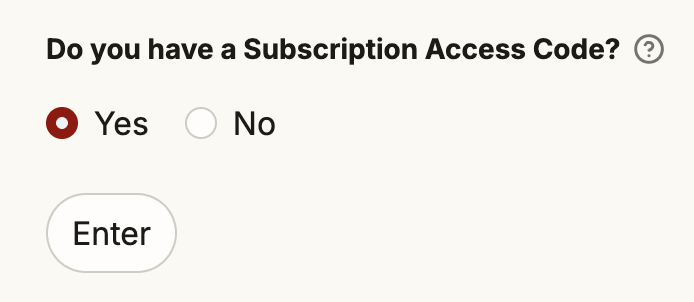
- When asked whether you have a Subscription Access Code, select Yes and click Enter
- Enter your Access Code, then complete:
- Name
- Organization (optional)
- User ID + password
- Review Terms and click I Accept, then Sign Up
2
Log In
- Click “Login”
- Enter your new User ID + password and log in
3
Run your first analysis
- Create a new idea: add an ID, title, and description
- Click Submit, then Run (on the left hand side)
- To get the report emailed to you, enable Email Report in Manage Account
Use a Diagram (optional)
- Scroll to Use Diagram
- Drag & drop an image or browse files
- Copy the generated description into your idea if useful
Additionally: Retrieve and Delete Ideas
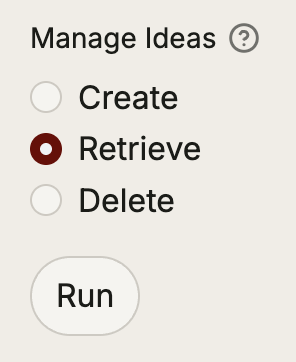
To retrieve a previously run idea, enter “Retrieve” mode on the left hand side. Check the box of the idea you want to see and click the Retrieve button below. After this, click Submit, then Run.
To delete an idea, enter “Delete” mode, check the box of the idea you want to delete, and click Delete.
Need help?
Email us at support@paseoai.com and we'll get back to you within 1 business day.